Moon Sweepers Guide
Less carrying.
More cleaning.
Start with one successful cleaning run, then build a delivery route that saves walking. These Moon Sweepers guides explain dust selling, robot collection, co-op and save backups, with checks for the first stage that stops working.
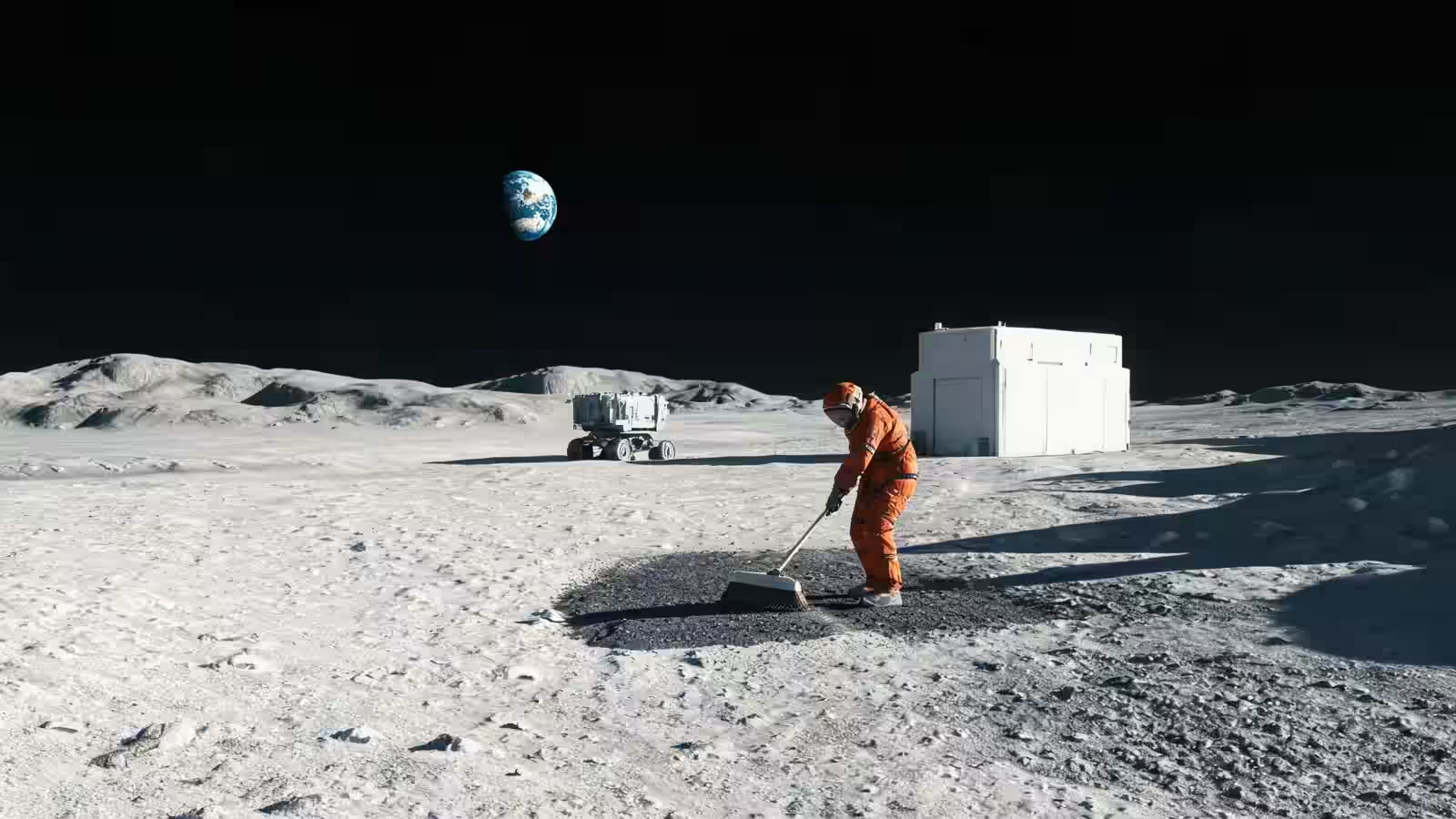
Start your first Moon Sweepers cleaning run
Your first goal is a complete collection-and-delivery loop. Stay near the station until you understand what fills your tool, what finishes a local section, and what registers a sale.
- Clean nearby ground. Use the starting Toothbrush on a dusty section close to the station. Watch the tool's storage and the local cleaning percentage separately.
- Pack when needed. Published guides report Q in the default PC controls. Follow your current binding or on-screen prompt. Packing creates a capsule; it does not complete delivery.
- Deliver the load. Bring the collected material to the station and follow the receiving and shipment prompts for the manual loop.
- Check local completion. Inspect edges and the completion display before moving on. A surface that looks clear can still have an unfinished strip.
- Choose an upgrade for the interruption you noticed. Consider cleaning width when brushing takes too long, capacity when storage fills repeatedly, or a delivery route when walking takes most of the session. S01S10S12
Before buying several machines, make one small delivery work. The beginner guide explains the opening loop and how to compare your next purchase.
Moon Sweepers guides for your next task
First cleaning run
Learn the loop and choose a useful upgrade.
Automatic dust selling
Build one working Packager-to-intake route.
Robots & catchers
Separate cleaning, reception and onward delivery.
Playing with friends
Choose the host and understand shared upgrades.
Save backups
Find the folder and preserve a separate copy.
Troubleshooting
Start at the first stage that stops working.
Platforms, price & PC specs
Check PC support, console questions and Steam pricing.
Patch notes explained
Find the version change affecting your setup.


Dust delivery checks and route planner
- 01Collect dustHandheld tool
- 02Deposit & packPackager output
- 03Follow the arrowsConnected belt sections
- 04Reach the intakeMaterial enters; check payment
How Moon Sweepers cleaning and delivery work
What is Moon Sweepers?
Moon Sweepers is a lunar cleaning game developed by DragDrop Games and available through Steam. You collect dust, deliver material to a depot, and reinvest the proceeds in tools, carrying capacity and equipment. The game supports solo play and online co-op for up to 16 players. S01
This website is an independent guide to those systems. It helps you choose a next task, understand a delivery connection, or match a problem to a documented patch. Use the official Steam listing for the game purchase and the platform guide to check documented support and system requirements.
How automatic dust selling works
A Packager route reduces the trip between handheld cleaning and the station. You still collect dust and deposit each load. The Packager turns that material into capsules, and correctly directed conveyors carry them to the station's receiving intake. S07S08
Start at the Packager output, inspect the belt arrows, and connect the final section to the actual intake. A conveyor ending beside the station wall is not enough. Deposit a small load and follow the capsule through every connection before extending the route.
Packing and selling are separate actions. Patch 1.0.3 states that dust and stone arriving at the intake by belt are paid as they come in. That behavior is different from packing a capsule or completing the manual shipment sequence. S02S01
If delivery fails, inspect the first stage where material stops. No capsule suggests a packing or input problem; a stationary capsule suggests an output connection or belt direction problem. Material reaching the station wall points to the receiving connection. These checks help narrow the fault before you rebuild a long line. Read the automatic dust selling guide or open the guided delivery check.
Estimate a short route before building
The route planner estimates equipment costs in game currency. Enter your intended belt length, use the prices shown in your current game menu, and include the Building Tool only if you still need to buy it.
Published guides report a $50 Building Tool, a $100 Packager and conveyors at $0.50 per metre. With those reference prices, a new 20-metre setup totals $160. If you already own the tool, the same example totals $110. Extra equipment, turns and terrain can change the actual build. S07S08S09
The reported maximum is 30 metres per belt section. A longer route therefore needs multiple sections, and obstacles can require additional connections. Use the estimate to plan a small working setup before committing to a distant worksite.
Choose checks for the robot you own
Robot Vacuum Mk I and Mk II collect around a dock. When their supply stops, inspect the remaining dirty ground, the robot's activity and the dock output. J.O.O.N.A.S. uses a different receiving system: it sends collected material to Capsule Catchers, whose outgoing belts still need a working delivery route. S07
Patch 1.0.5 changes J.O.O.N.A.S. catcher selection according to catcher groups and occupancy. Check the receiving group and its outgoing route before assuming that another robot will solve the problem. S04
The developer's statement that J.O.O.N.A.S. keeps cleaning when players are far away does not establish the same behavior for Mk I or Mk II. Record the exact model and installed version when investigating distant-operation problems. The robot and catcher guide separates the documented rules from player reports. S14
Plan a co-op world before inviting friends
Agree on the host and saved world before building a shared base. Have everyone update to the same version, choose an appropriate session visibility, and confirm that the crew has joined the intended world. S01S02S13
Since patch 1.0.3, the crew uses the host's Upgrade Matrix, and a Matrix purchase upgrades everyone. That rule does not mean every tool or vehicle is copied to each player, so coordinate equipment purchases separately. S02S11
Before opening a valuable world to public players, read the game's public-session warning and preserve a separate backup. Host controls can remove players, but they do not promise to restore deleted structures. Use the co-op guide to plan the crew and shared upgrades. S02S04
Protect your save before troubleshooting
A world that fails to load is not automatically a destroyed save. Developer patches document both loading bugs and backup-based recovery features. Preserve your files before deleting, replacing or editing anything. S02S03S04
The official Windows backup folder is:
C:\Users\[user-name]\AppData\LocalLow\DragDropGames\MoonSweepers\Backups
In File Explorer, %USERPROFILE%\AppData\LocalLow\DragDropGames\MoonSweepers\Backups substitutes your Windows user profile for the user-name segment.
Starting with patch 1.0.4, each save slot keeps up to five full world backups. The developer describes backups taken a minute into a session and then every 30 minutes. These backups are stored outside Steam Cloud. S03
Close the game and copy the MoonSweepers folder to another location before attempting recovery. Record the affected slot, installed version and exact error. Steam's installation-file verification checks the game installation; it does not establish that a world save has been repaired. Follow the save preservation steps before investigating a loading problem. S06
Check the patch behind the advice
This guide's research was checked on 5 November 2026 against developer announcements through patch 1.0.5. That baseline matters because updates changed belt payments, shared upgrades, catcher routing and several loading or packing problems. S02S03S04
Compare your installed version with the patch relevant to your symptom before changing a working base. The updates guide lists planned features separately from released mechanics. S05
Our pages distinguish developer statements, published guides and player reports. Gameplay has not been tested by this site. Scene illustrations are concept art; use the actual game's ports, menus and prompts when following placement instructions. The source list records the evidence behind the guides.